
Console Walkthrough
Dashboard
Understand the Dashboard and use it as your daily control center.
After signing in to the AgentQ console, you'll see the Dashboard tab, which looks like this:
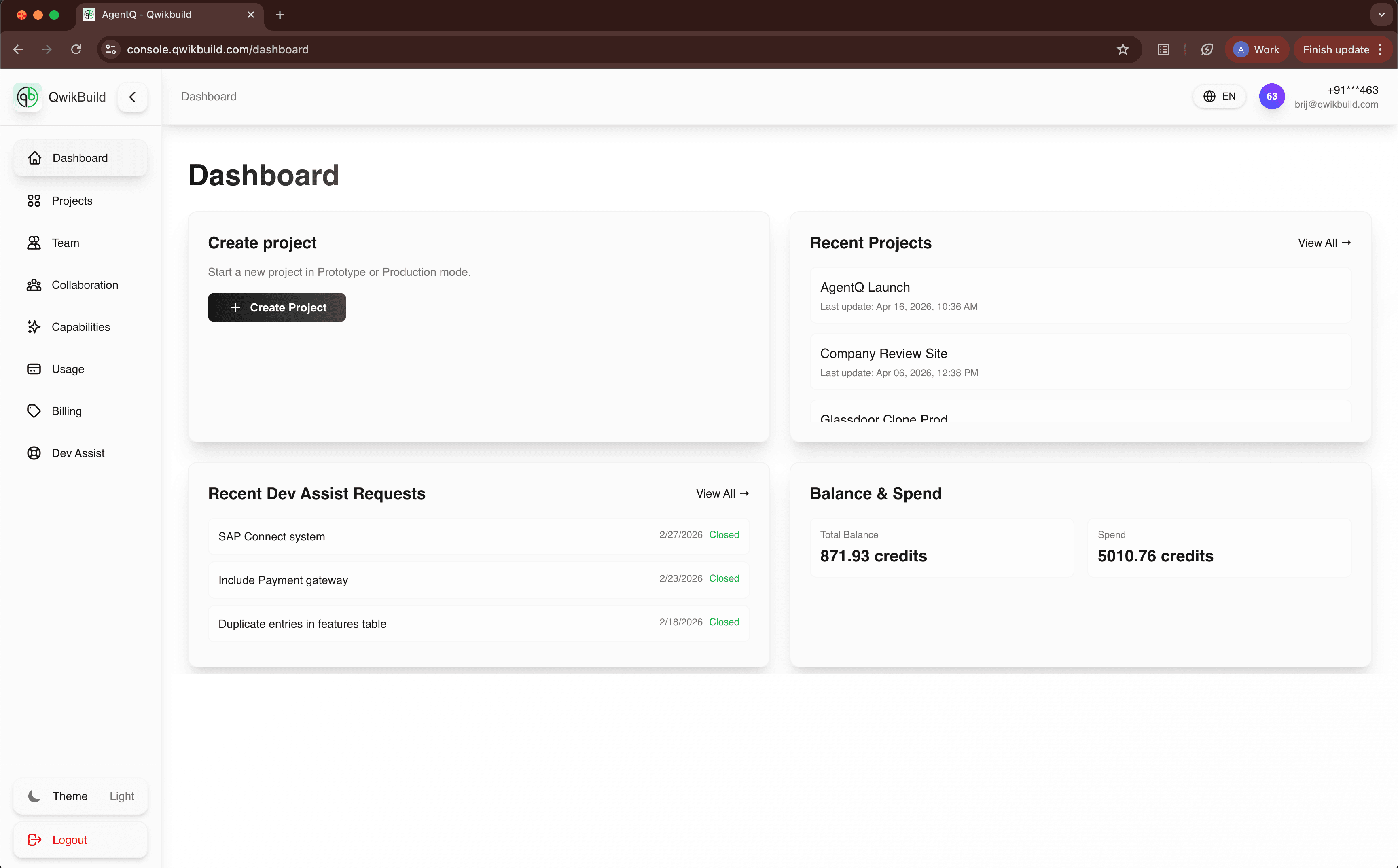
The Dashboard is the quickest way to understand what is happening across your QwikBuild workspace. It provides fast visibility into your work without the need to open every tab.
What You See On This Page
- Create project card: Start a new app in one click.
- Recent Projects: Jump back into your latest work.
- Recent Dev Assist Requests: Track support requests and their status.
- Balance & Spend: See current credits and total spend at a glance.
Why This Page Matters
- It tells you where to act first.
- It gives a quick health check before starting new work.
- It helps you avoid context switching across multiple tabs.
Common Tasks
Start a new project
- Click Create Project.
- Choose Prototype or Production mode.
- Confirm details and start.
Continue recent work
- Open Recent Projects.
- Click a project to continue from where you left off.
Check support progress
- Review Recent Dev Assist Requests.
- Open any request to see updates and next actions.
Best Practices
- Open Dashboard first at the start of each session.
- Review balance before launching large tasks.
- Use Recent Projects instead of searching manually.
If Something Looks Wrong
- If data looks stale, refresh the page.
- If cards show empty states, verify that you have active projects/requests.
- If balance looks unexpected, check the
Usagetab for detailed breakdown.