
Console Walkthrough
Usage
Track credit balance, usage trends, and category consumption.
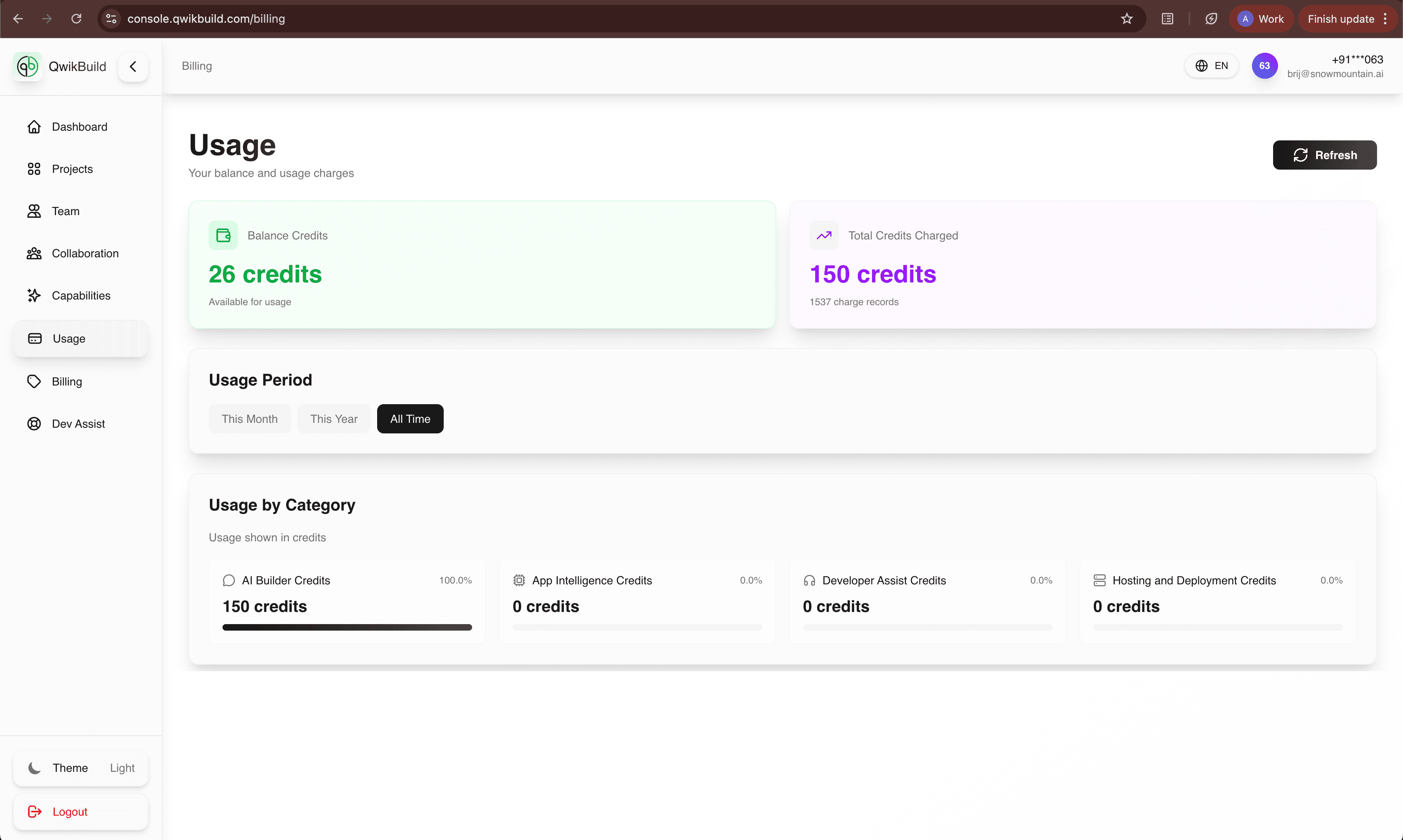
Usage shows how your credits are consumed over time and where your spend is concentrated.
This is workspace-level usage across all projects. For one project only, use Project Usage.
What You See On This Page
- Balance Credits card
- Total Credits Charged card
- Usage Period filters (month/year/all time)
- Usage by Category distribution
- Refresh button for latest values
Why This Page Matters
- Prevents surprise credit depletion.
- Helps you plan project runs and support requests.
- Gives transparency for team-level budget reviews.
Recommended Workflow
- Check Balance Credits first.
- Compare with Total Credits Charged.
- Set usage period for the analysis window you need.
- Review category split to identify heavy usage areas.
- Refresh before major new runs.
Workspace vs Project Usage
- Workspace Usage: total credits across all projects and teams.
- Project Usage: credits for one project only.
- Use workspace view for budgeting decisions, and project view for scope decisions.
Category Meaning (High Level)
- AI Builder Credits: App creation and build actions.
- App Intelligence Credits: AI features inside running apps.
- Developer Assist Credits: Human-assisted support usage.
- Hosting & Deployment Credits: Infrastructure/runtime usage.
Best Practices
- Review Usage weekly for active teams.
- Investigate unusual spikes by category.
- Pair Usage with Billing for plan optimization decisions.
Troubleshooting
- If values fail to load, retry refresh.
- If errors persist, raise a Dev Assist request with screenshot and timestamp.