
Console Walkthrough
Teams
Understand members, access visibility, and team presence.
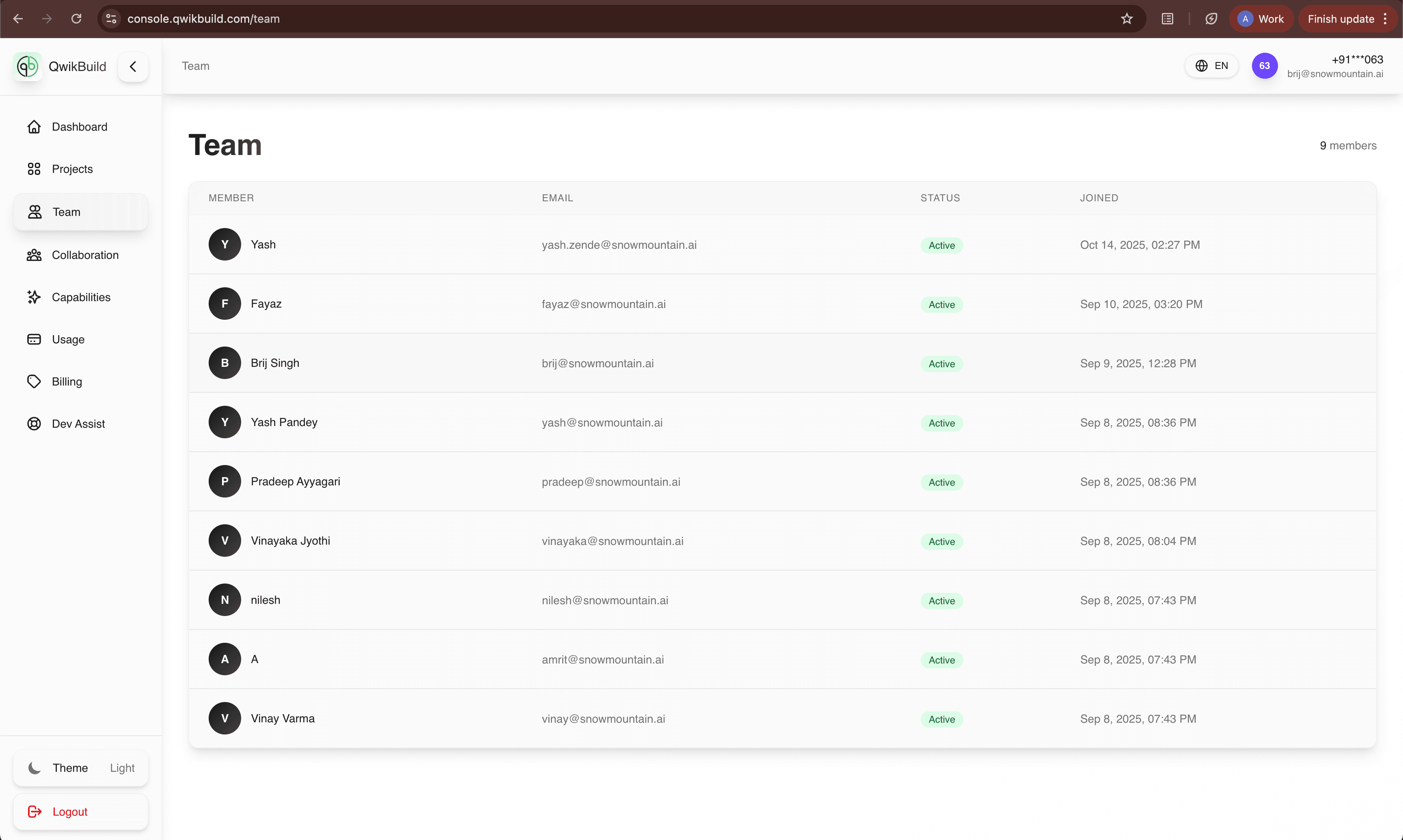
The Team tab helps you understand who is in your workspace and whether each member is active.
What You See On This Page
- Member name and avatar
- Email identity
- Current status (active/inactive)
- Joined date
Why Team View Is Useful
- Prevents ownership confusion across projects.
- Makes handoffs clearer between teammates.
- Helps non-technical owners quickly confirm access.
Typical Workflows
Validate access before collaboration
- Open Team.
- Confirm the person exists in the list.
- Verify they are active before assigning tasks.
Audit workspace membership
- Review member count.
- Check unexpected or outdated users.
- Coordinate updates with admin/owner.
Best Practices
- Review Team membership regularly.
- Keep names and emails accurate for smoother coordination.
- Confirm access before project reviews or demos.
Troubleshooting
- If members do not appear, refresh and verify your account scope.
- If team data errors appear, retry and escalate via Dev Assist.