
Console WalkthroughProjects
Integrations
Discover tools, connect services, and enable project workflows.
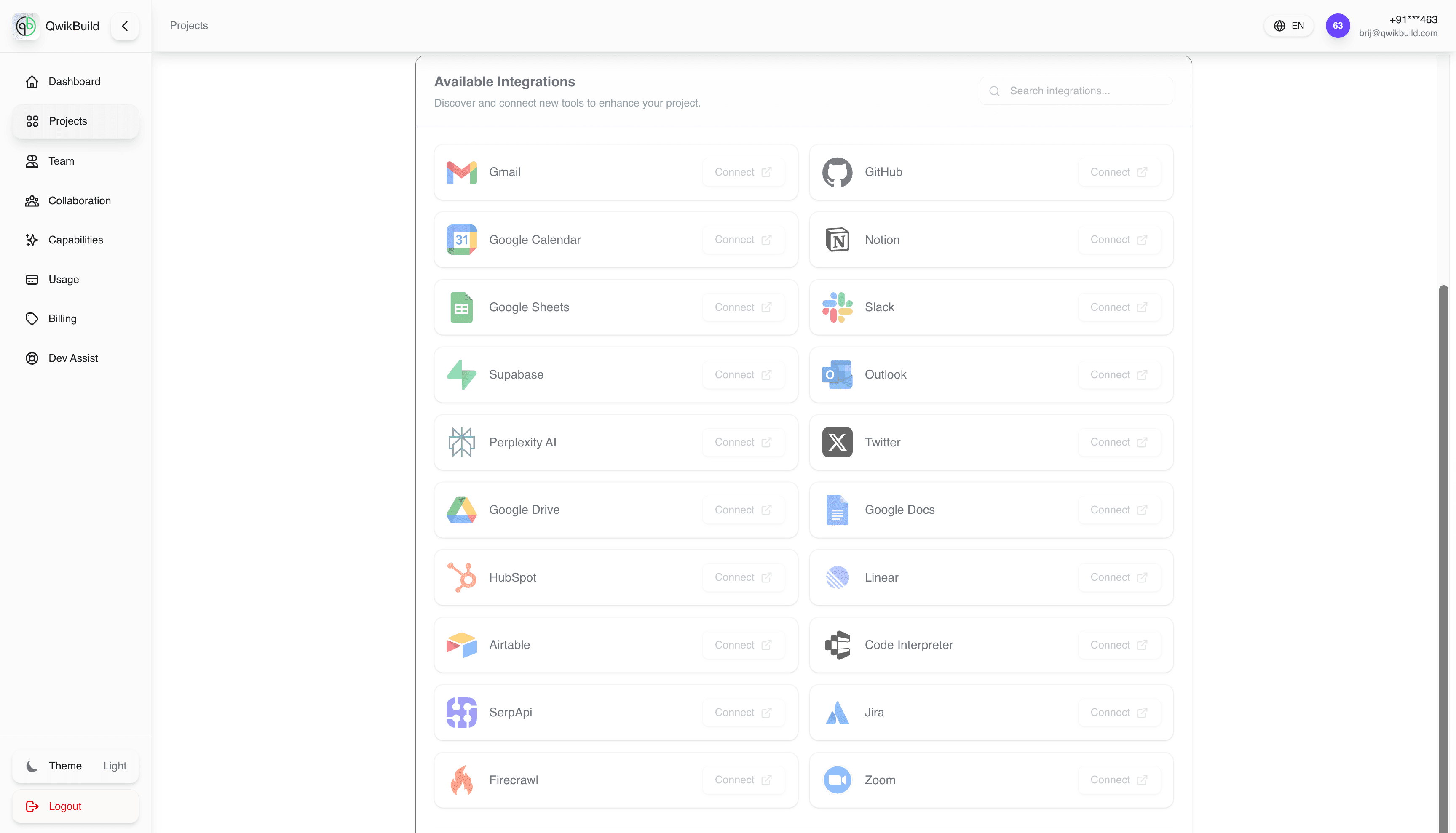
The Integrations tab is your project's service catalog.
Use it to discover tools and connect the apps your workflow depends on.
What You See Here
- Available Integrations panel with a searchable list
- A Connect action for each provider
- A broad set of common tools across email, docs, chat, CRM, and project management
Common Integrations
- Communication and collaboration: Gmail, Outlook, Slack, Zoom
- Knowledge and docs: Notion, Google Docs, Google Drive
- Data and automation: Google Sheets, Airtable, Supabase
- Work tracking and dev: GitHub, Jira, Linear
- Marketing and research: HubSpot, Perplexity AI, SerpApi, Firecrawl
Typical Workflow
- Open the project and go to
Integrations. - Search for the service you need.
- Click
Connectnext to that service. - Complete authorization and permissions.
- Return to your project flow and test the connected feature.
Best Practices
- Connect only tools needed for the current scope.
- Validate one integration at a time to isolate issues.
- Assign clear ownership for each connected service.
Common Issues
- Connected, but not working: check account permissions and token scopes.
- Wrong workspace/account linked: reconnect with the correct account.
- Too many active integrations: remove unused connections to reduce confusion.