
Console WalkthroughProjects
Settings
Manage editor ownership, secrets, SEO, and domain controls for a project.
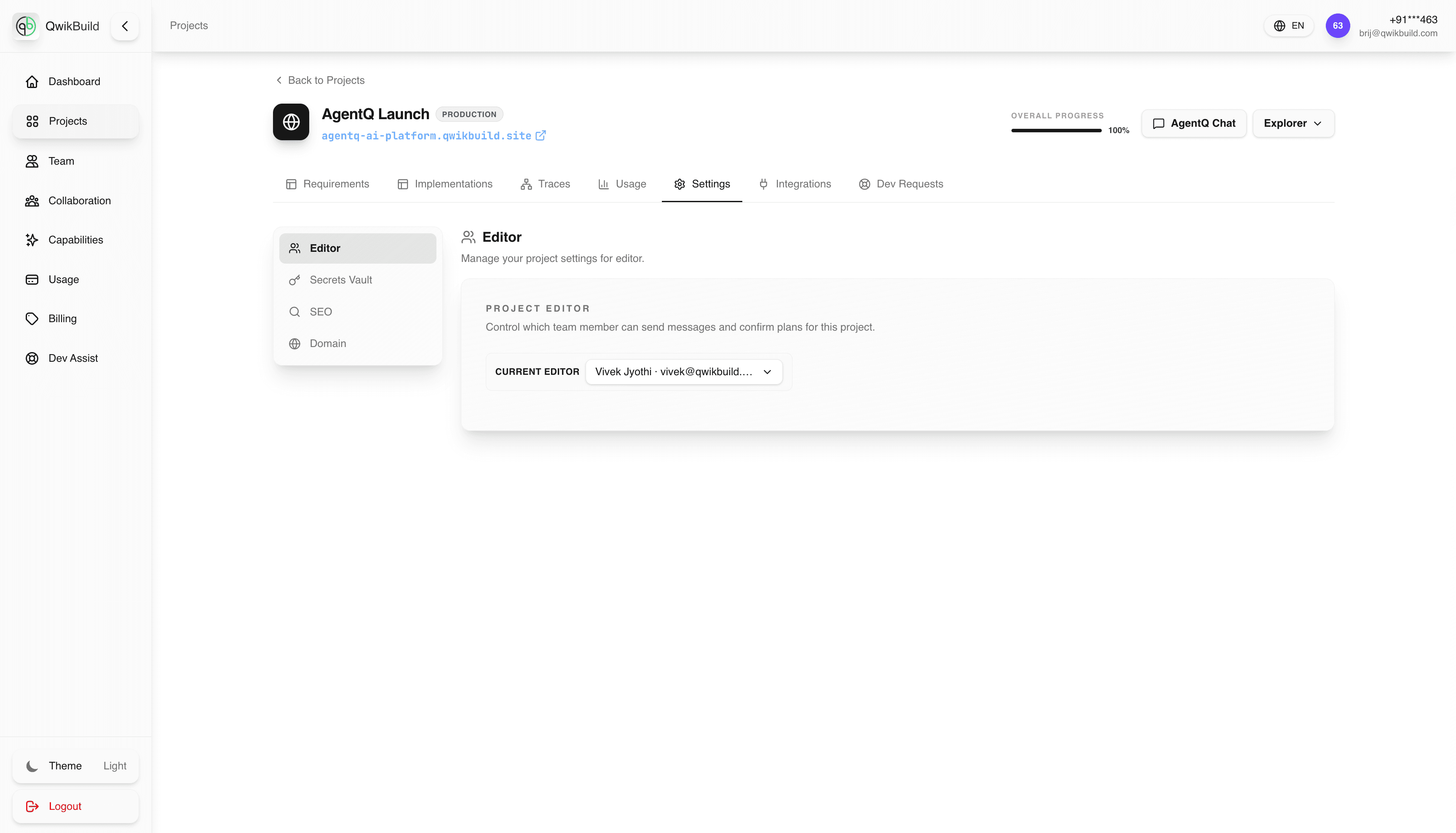
The Settings tab is where you manage project-level controls before launch and handoff.
This section is organized into four areas:
- Editor
- Secrets Vault
- SEO
- Domain
Editor
This card lets you choose the Current Editor for the project.
The helper text indicates this person can send messages and confirm plans for this project.
What You Can Do
- Assign ownership to one clear person.
- Switch editor responsibility during handoff.
- Keep decision authority visible to the whole team.
Typical Workflow
- Open
Projectsand select the project. - Go to
Settings. - Click
Editorin the left settings menu. - Select the right team member in Current Editor.
- Save/confirm so future plan approvals come from the right owner.
Other Settings In This Menu
Use the same left settings menu to manage:
- Secrets Vault: store project secrets/keys safely.
- SEO: control search metadata and discoverability setup.
- Domain: manage custom domain connection for the project.
When To Update Settings
- Right after project creation
- Before production launch
- During owner change or team transitions
- When external setup (domain/secrets) changes
Common Issues
- Wrong person assigned as editor: approvals and plan confirmations get delayed.
- Secrets not configured: integrations fail even when implementation is correct.
- Domain not updated: users continue seeing old or temporary URLs.
Quick Tip
Treat Settings as your project readiness checklist: confirm owner, secrets, SEO, and domain before you finalize launch.
For a full pre-launch validation flow, use Launch Readiness Checklist.