
Console WalkthroughProjects
Credit Usage
Project-level credit consumption with category breakdown.
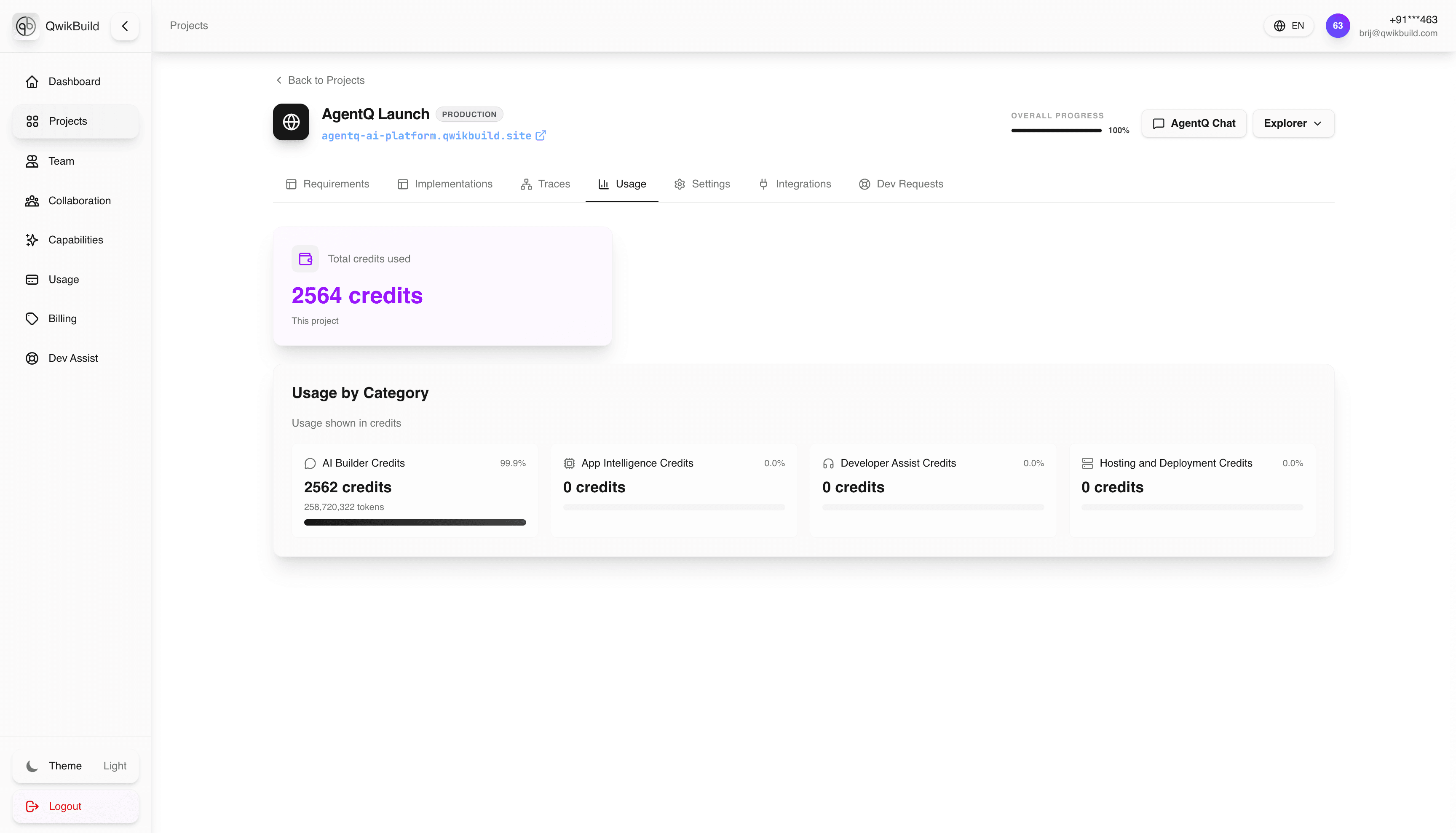
The project-level Usage tab shows credits consumed by this specific project (not global workspace usage). For cross-project and total account tracking, use Workspace Usage.
What You See Here
- Total credits used for the current project
- Usage split by category
- Credit insights tied directly to project activity
Why This Tab Matters
- Makes project ROI easier to understand
- Helps compare high-cost vs low-cost projects
- Supports better planning before major new runs
Typical Workflow
- Open project and switch to Usage.
- Review total consumed credits.
- Check category breakdown to identify heavy usage areas.
- Decide if scope/priorities should be adjusted.
Project vs Workspace Usage
- Project Usage: optimize one app's scope and iteration cycle.
- Workspace Usage: optimize budget across all apps.
- Review both before major releases or integration-heavy changes.
Best Practices
- Check Usage before and after major requirement changes.
- Track usage trends across milestones.
- Combine this tab with workspace-level
Usagefor full financial context.